- calendar_today August 15, 2025
The development path of Microsoft’s Copilot assistant in Windows 11 exhibited inconsistency because its initial versions appeared to address non-existent problems. Microsoft’s constant updates to Copilot’s primary features, which involved toggling between native Windows app and web-based service status prior to its establishment as an integrated feature, amplified this perception. The Copilot Vision feature received heightened interest after its latest development showed potential to fulfill a crucial user requirement.
Microsoft’s Windows Insider testers receive early access to Copilot Vision’s new feature, which expands its original functionality from analyzing Microsoft Edge webpage content introduced in late 2024. The new update allows Copilot Vision to analyze every open application window on the desktop, which enables the system to provide insights about both document contents as well as user interfaces and operational functions of applications. The development indicates that AI assistance within the Windows environment may become more contextually intelligent and tightly integrated.
The enhanced Copilot Vision will have significant practical applications as long as it functions with the required reliability and precision, which is essential for AI-driven tools. The tool aims to replace the frustrating and lengthy online search process that users must undertake when they face difficulties with new software applications or when they need to learn about hidden features in complex programs like Microsoft Word, Excel, and Adobe Photoshop suites.
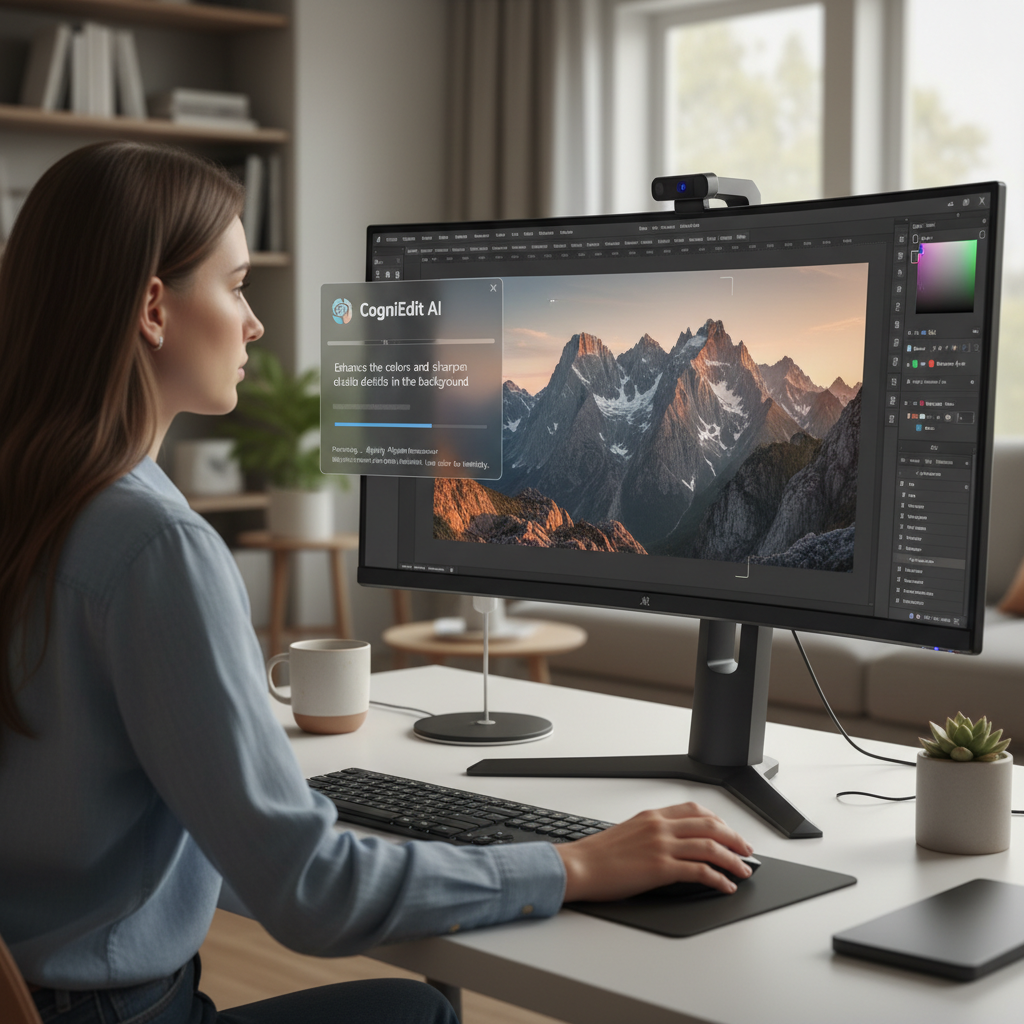
Moving from one application to another that shares features yet remains different, exemplified by the shift from Photoshop to Affinity Photo, demonstrates how Copilot Vision could be highly beneficial. Users often face significant time investment and frustration during adaptation to new software because of subtle differences in workflows, terminology, and UI layouts. Copilot Vision theoretically delivers efficient solutions by integrating contextual help and explanations into the application environment.
Through Copilot Vision, users can directly request information about specific application functions and interface elements to receive instant, relevant help instead of going through multiple steps to search for answers outside the app. The feature enables users to learn software faster while boosting their efficiency when working with complex applications, which results in a smoother and less stressful computing experience.
The new Copilot release delivers advanced visual analysis capabilities and brings substantial enhancements to user file interaction methods. Users can now preview and read multiple file types inside the Copilot window, which removes the necessity to launch different applications. Accessing file content through Copilot can greatly enhance workflow efficiency by streamlining the process of handling multiple documents and finding specific data across many files. This improvement provides users with faster, seamless access to their files while eliminating the need to switch applications between different programs, which results in a smoother and more productive workflow for managing stored local data.
Users need to actively share their application window content to access Copilot Vision’s expanded features. The sharing process encompasses both the visual interface of the window and all data it contains. Since Copilot Vision functions through cloud-based operations rather than just Copilot+ PCs with local AI processing, it requires sending this information to Microsoft’s servers.
Microsoft has previously responded to possible privacy issues regarding data sharing. The company promises that “all data from your spoken words and shared context with Copilot gets deleted” after the Vision session ends. Microsoft keeps a record of Copilot’s output to improve its safety systems, while all collected data falls under Microsoft’s Privacy Statement.
The deployment of advanced Copilot Vision and file management features to Windows Insider program participants illustrates Microsoft’s software development and quality assurance practices. Microsoft acquires valuable functionality and usability data while identifying potential problems by allowing a group of pre-release software savvy users to test new capabilities and provide detailed feedback in real-world scenarios.
The feedback loop functions as a critical mechanism to locate and fix bugs while enhancing the user interface and making sure features align with broader audience needs before full public release. Enrollment in the Windows Insider program and creation of a Microsoft account are necessary to access the new Copilot features while also agreeing to share additional diagnostic data from your PC with Microsoft.
Users can now utilize enhanced Vision capabilities along with new file searching features, which allow them to read file contents within Copilot without opening the files. To register for the Windows Insider program, you need a Microsoft account, and you need to give Microsoft additional diagnostic data from your PC.